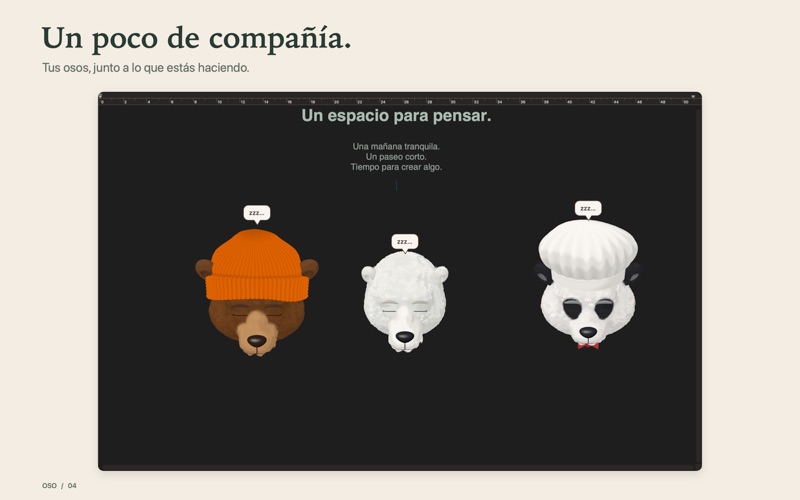
I made Oso because I wanted a little bear on my desktop. He follows the cursor, reacts when you pet him or touch his nose, and gets sleepy when things go quiet.
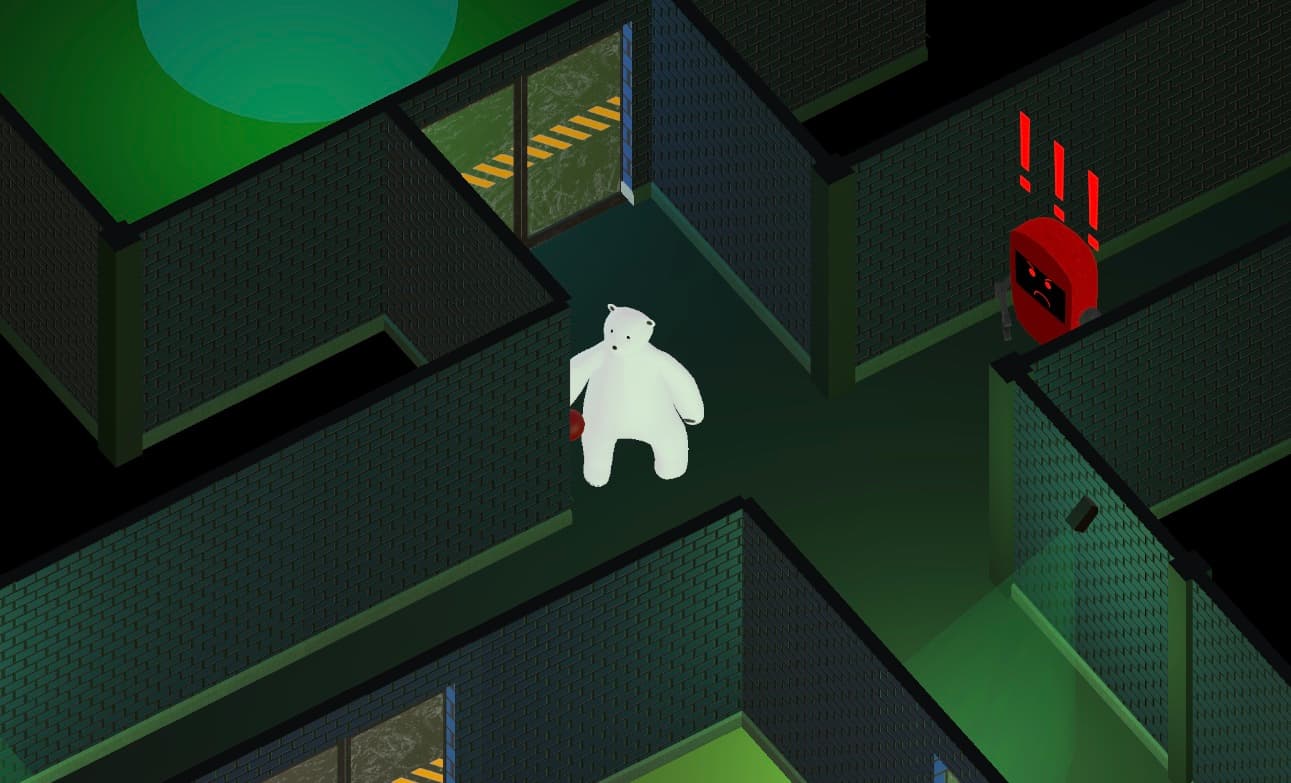
Oso is available on the Mac App Store for macOS 13 or later, on Apple Silicon and Intel. This is a separate project from Oso Sigiloso, my undergraduate game.
Oso on the Mac App StoreSee the app and download it for macOS
Making your own bear
You can start with a brown bear, polar bear, or panda, or generate a Wild Bear from a word. The same seed gives you the same design. The Bear Studio lets you adjust the shape and colors, try hats, glasses, and bow ties, undo changes, and save a bear to use again.
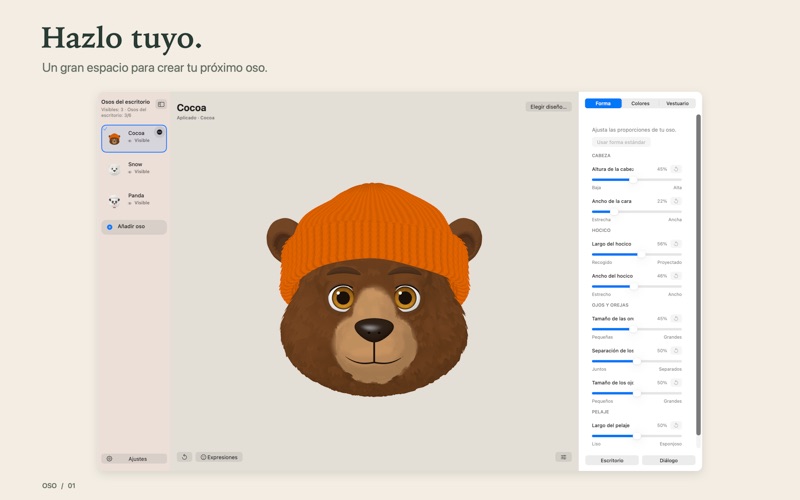
You can keep up to six bears on screen, each with its own appearance, size, opacity, and position. Speech bubbles can use your own words and text style.
Living on the desktop
The app uses Swift, AppKit, and SceneKit. Each bear lives in a small transparent window. Clicks pass through the surrounding area, and dragging near a screen edge snaps the bear into place. Pinching changes its size; scrolling over it changes its opacity.
Oso follows you between Spaces and alongside full-screen apps. Rendering is driven by activity: when the bear's gaze and motion settle, the render loop stops until it needs another frame.
The app works offline, without an account, ads, or analytics. Its interface is in Spanish and English, with keyboard controls, VoiceOver support, and reduced-motion options.