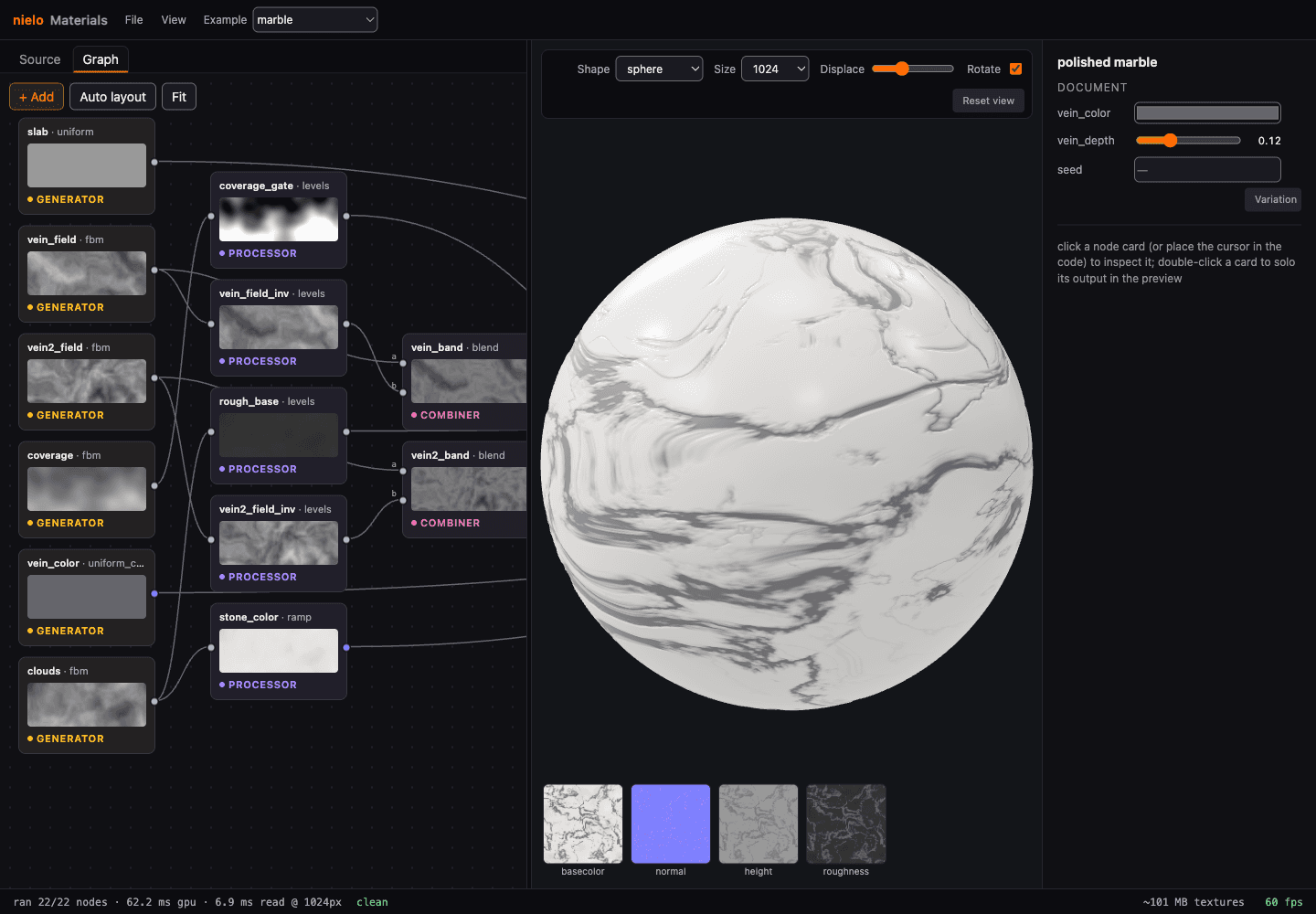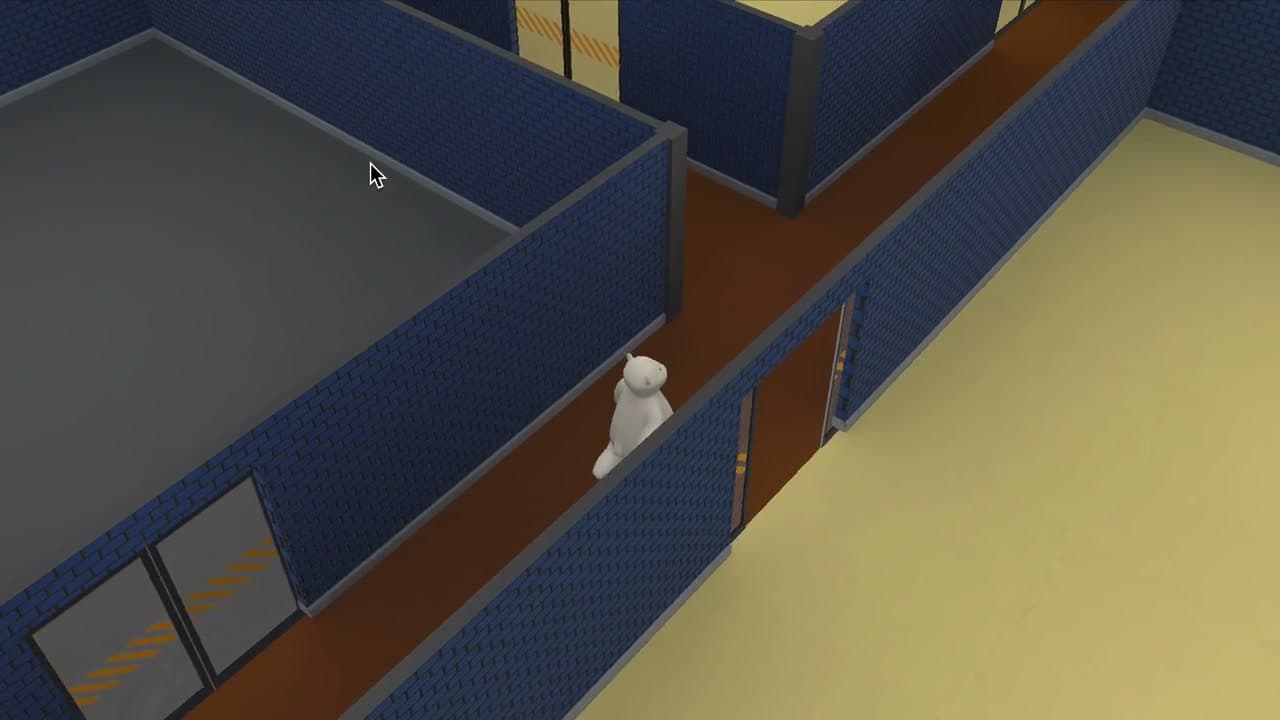
For Oso Sigiloso I recorded the sound effects myself, cleaned the takes, and exported each file. I still love that process.
I built Nielo SFX for sounds I want to generate in related variations: rain, wind, impacts, and whooshes. Each sound comes from a node graph that I can edit and render again.
Nielo SFXOpen the free web app
Building a sound
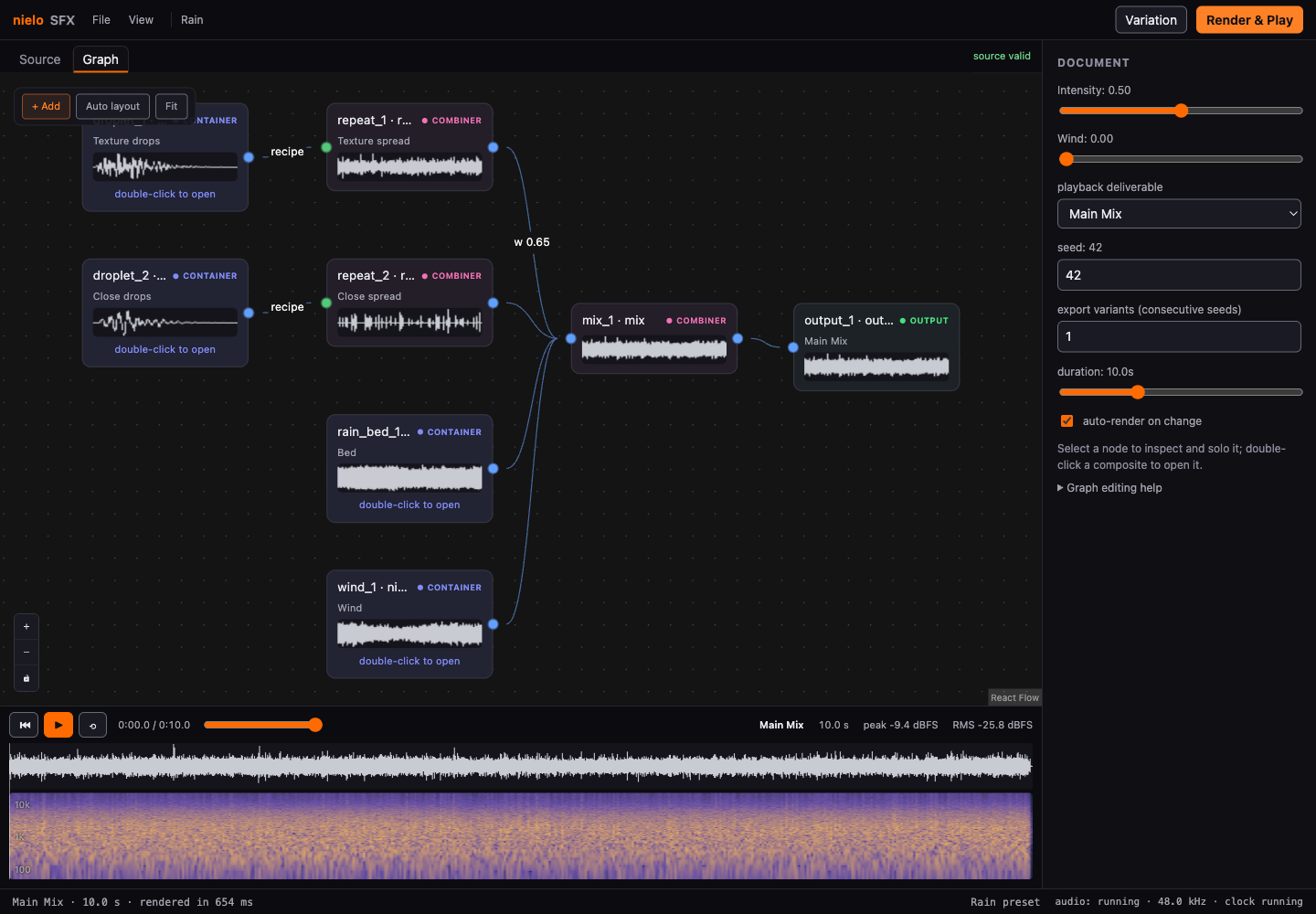
A sound starts with small pieces: oscillators, noise, filters, envelopes, gain, and panning. Nodes combine them into something recognizable. A droplet can be a reusable composite. Repeating droplets and adding noise and wind produces rain.
The Rain preset is built entirely this way. It uses synthesis rather than a recording. You can open a composite, trace the signal, listen to any stage, and see its waveform directly on the node.
Keeping the recipe
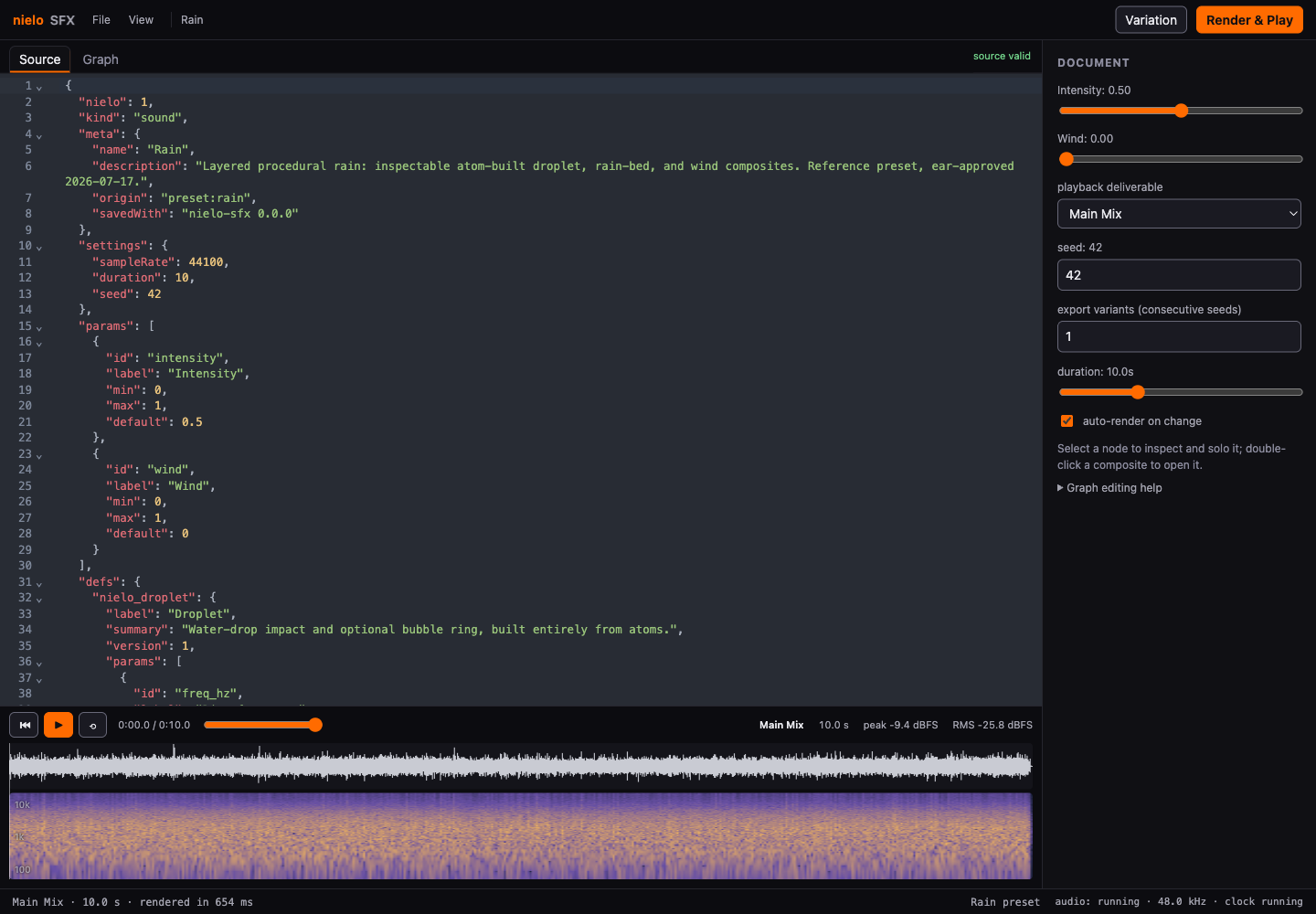
Each sound is saved in a readable .nielo.json document. The source editor and node graph are two views of the same file: change either one and the other follows. If the text becomes invalid, the last working sound stays available while the editor explains what needs fixing.
That same document works in the browser and from the command line. The analyzer shows the waveform, spectrogram, peak level, and RMS after each render. The synthesis engine runs in TypeScript workers; WebAudio only plays the finished buffer. I use automated checks to detect changes, then listen to the results.
Making variations
The random variations start from a seed. Variation changes it to create a related take. To reproduce a sound in the tested setup, I keep the document, seed, sample rate, and engine and runtime versions.
The exporter can produce one WAV, separate stems, or a ZIP across several seeds. That lets me export several variations from one rain graph and keep the recipe for each.
The web editor is free to use. The source and command-line packages are still private. SFX is part of Nielo, alongside Materials and the 3D, vector, and pixel editors I'm developing locally.